
Get Connected
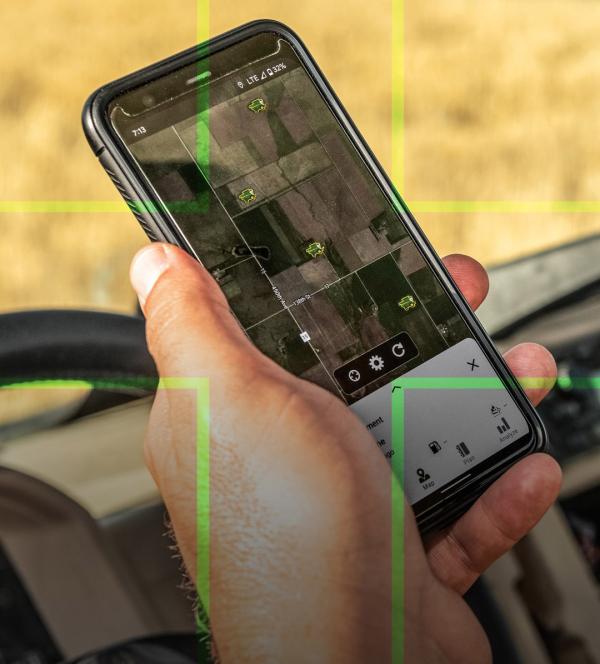 John Deere Apps: Essential Tools for Homeowners, Landscapers, and Farmers
At LandPro Equipment, we know that managing your property, landscaping business, or farm requires efficiency, precision, and convenience. That’s why we offer the best John Deere apps to help you monitor and manage your equipment, track performance, and streamline finances—all from your smartphone or tablet.
With the John Deere Operations Center app, you can easily track and optimize your machinery and field operations. The Equipment Mobile app provides real-time insights into machine performance and maintenance needs. And with the My John Deere Financial App, managing payments, financing, and account details has never been easier.
No matter if you're a homeowner maintaining your lawn, a landscaper managing multiple job sites, or a farmer running a large operation, these powerful John Deere apps keep you connected and in control.

- Digital Operator's Manual
- Track Maintenance
- Lookup and Order Parts
- Lookup Diagnostic Trouble Codes
- Find Compatible Implements
- Access Usage Tips*
- Operator Control Guides*
- Sync to Operations Center
- Your Equipment List

Scan QR code to download app
With Equipment Mobile, customers can know when maintenance is due, search Operator's Manuals, find and order parts, and access equipment information--all from the palm of your hand!
Watch this video for a walkthrough of the app
Farming Customers
- Quickly setup and manage your entire farm, including equipment, fields, products, and team.
- Simplify in-cab set-up by planning work before operators begin field work.
- Stay informed of impending machine issues so you can stay up and running.
- Get live machine updates.
Commercial & Construction Customers
- Set up and manage your equipment, geofences, and curfews.
- Maintain your fleet with hourly-based maintenance intervals so your equipment is always ready.
- Monitor your connected fleet from anywhere to ensure performance.
- Review equipment operations to analyze operator performance.

Scan QR code to download app
Watch the John Deere Operations Center YouTube Series here!
You'll learn about setting up your app, the Ops Center Desktop version, editing your equipment, uploading your historical data, setting up your land, using work planner and more!
Click buttons below to download documents:

- See Your Account Activity
- See Your Available Credit & Credit Limit
- Pay Your Bill
- Enroll in Auto Pay
- Set Up Payment Alerts
- Quick, Secure Access to All Account Information

Scan QR code to download app